
Step 1: Register a New Client
Register the Client
The first step towards obtaining an OAuth authentication token is to register your application with Zoho’s API console and obtain your client_id and client_secret.
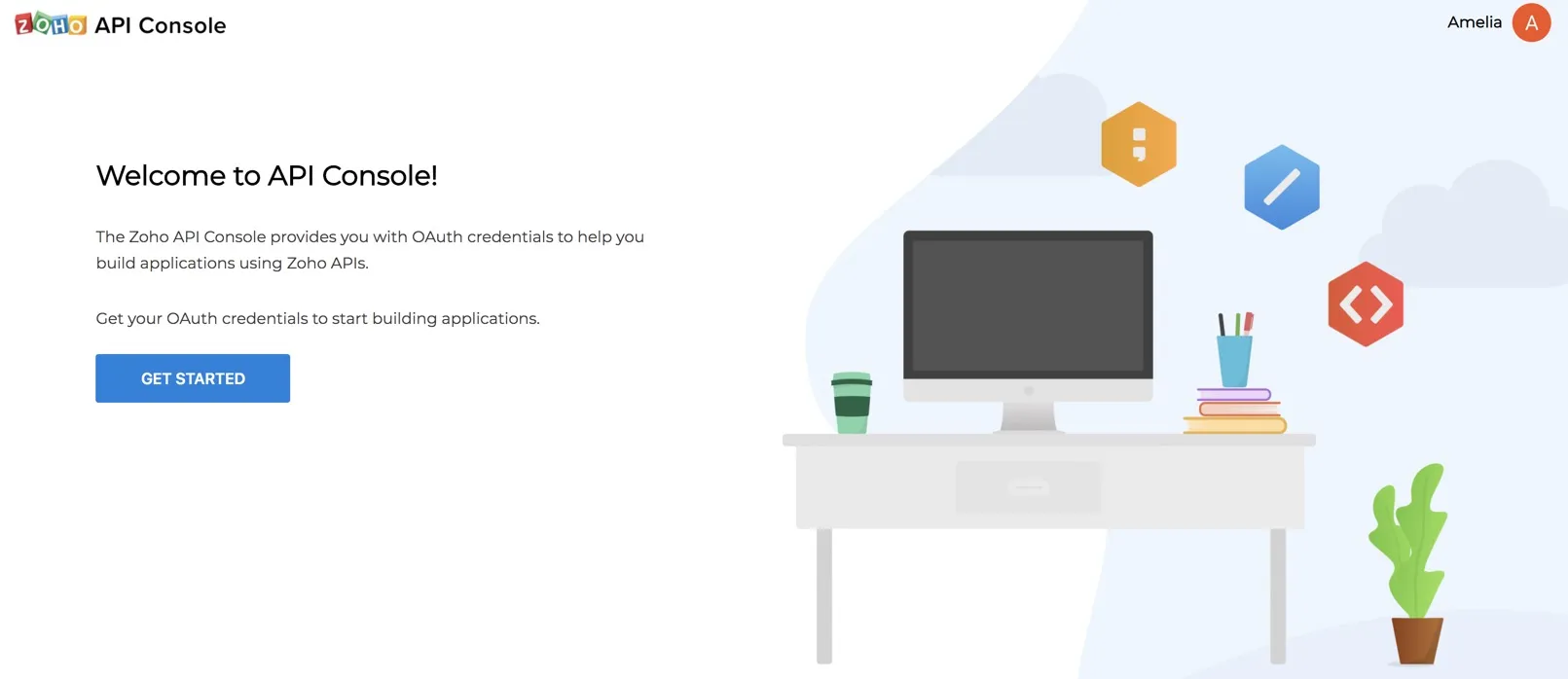
- To register your application, visit the Zoho API Console and click Get Started.
- Select a client type for your application.
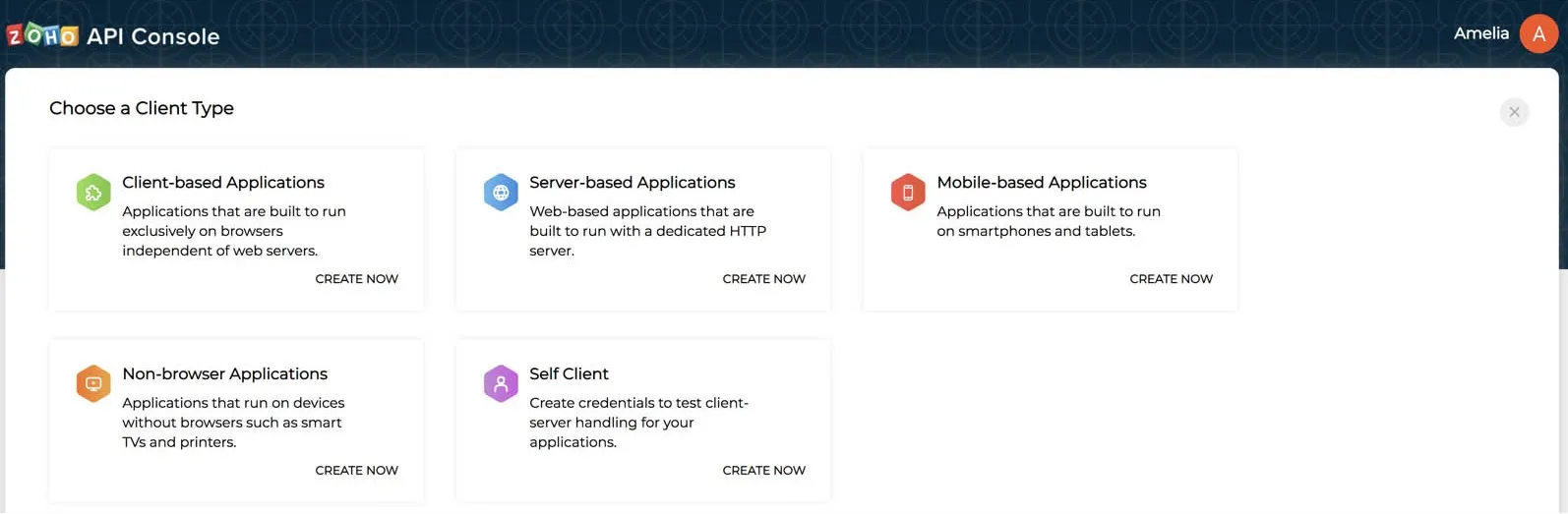
You can refer to Zoho’s OAuth documentation for more details.
- Provide the required details to register your application for the client type you chose.
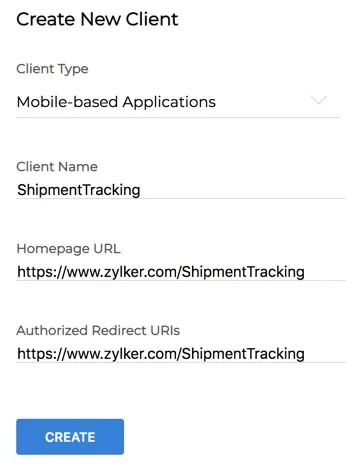
- Client Name: The name of your application you want to register with Zoho
- Homepage URL: The URL of your client’s homepage
- Authorized Redirect URIs: A valid URL of your application that Zoho Accounts redirects you to with the grant token after a successful authentication
- Click Create.
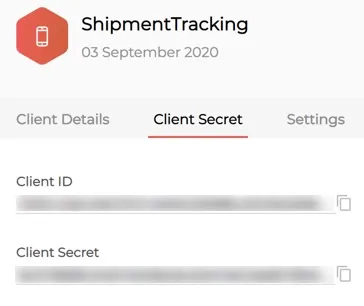
After the registration is successful, Zoho will provide you a set of OAuth 2.0 credentials: the client_id and client_secret, which are known to both Zoho and your application.
Enable Multi DC for the Client
As mentioned in the Multi-DC Support section, you can enable multi-DC support for your client from the Settings tab in the API console after you register it. This is available for all client types, except the Self Client type as it is used only for testing.
This feature lets you provide access to your application to users of a specific domain alone. As mentioned earlier, Catalyst is currently available in the EU, AU, IN, JP, SA and CA domains. So you can enable or disable access to your application for specific DC users if you need.
To access the multi-DC configurations for your client:
- Open your client from the API console and click Settings.
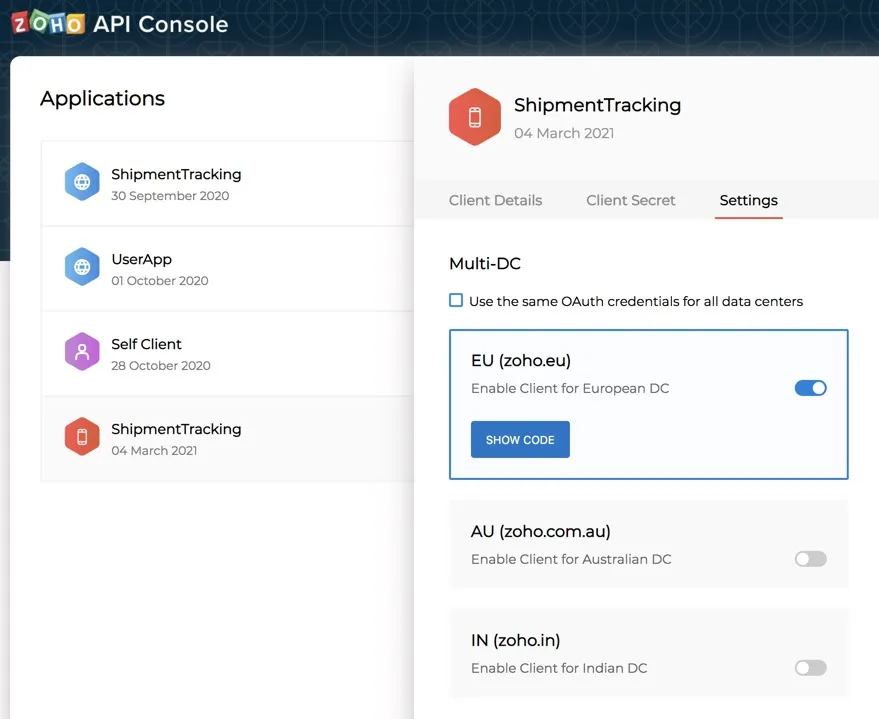
- Enable or disable the client access for the data centers you need. You can only avail the data centers that Catalyst supports.
When you enable a DC, the console will generate a different client_secret for them by default. You can access it by clicking Show Code for the respective DC. The client_id will remain the same for all DCs.
You can choose to have the same client_secret for all DCs by checking the Use the same OAuth credentials for all data centers checkbox. You must then click OK in the confirmation pop-up.
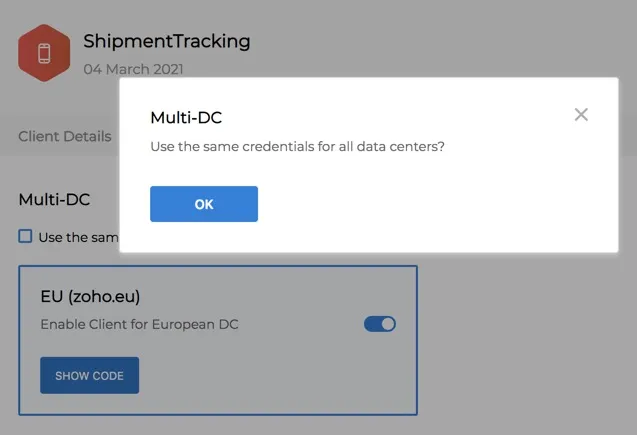
You can again unselect the checkbox to have a different client_secret, and confirm the action similarly.
Yes
No
Send your feedback to us